It’s a scenario we all dread: you’re finalizing a critical presentation in a café, putting the finishing touches on an assignment before the deadline, or settling in for a movie on a long flight, and the dreaded “Low Battery” warning flashes across your screen. Panic sets in as you realize there’s no power outlet in sight. This is where a laptop power bank transforms from a simple accessory into an essential piece of gear. But with a sea of options featuring confusing terms like mAh, Watt-hours, and Power Delivery, how do you choose the right one?
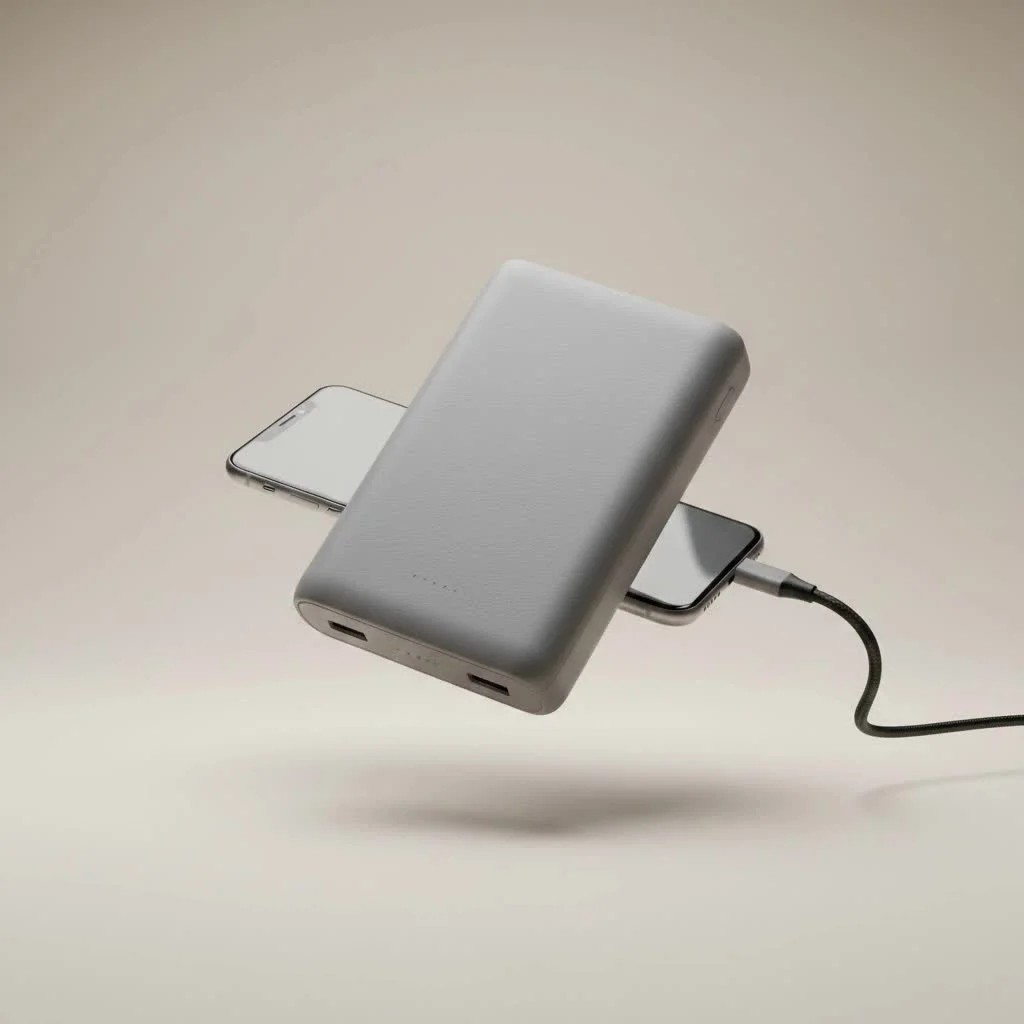
As a power bank expert with over a decade of experience, I’m here to demystify the process. This guide will walk you through everything you need to know to select the perfect portable charger, ensuring your laptop never dies at a crucial moment again.
What Exactly is a Laptop Power Bank?
First, let’s clear up a common misconception: a laptop power bank is not the same as the small, pocket-sized charger you use for your smartphone. While they operate on the same principle—storing electrical energy in a portable battery pack—a power bank for a laptop is a much more robust device. It’s specifically engineered to deliver a higher power output (wattage) and has a much larger capacity to satisfy the significant energy demands of a laptop’s processor, screen, and other components.
The rise of remote work and digital nomadism has made these devices indispensable. They provide the freedom to work from anywhere—a park, a train, or a client’s office—without being tethered to a wall socket.
How to Choose the Right Laptop Power Bank: Key Factors
Choosing a laptop power bank involves balancing power, portability, and price. Overlooking any of these factors can lead to a device that is incompatible, inefficient, or simply inconvenient. Let’s break down the essential features to consider.
Capacity (mAh and Wh): The Fuel in the Tank
Capacity tells you how much energy the power bank can store. You’ll see it measured in milliamp-hours (mAh) or Watt-hours (Wh).
- Milliamp-hours (mAh): This is a common metric, but it can be misleading on its own because it doesn’t account for voltage. A 20,000mAh power bank for a phone and a 20,000mAh power bank for a laptop can hold different amounts of actual energy.
- Watt-hours (Wh): This is the gold standard for comparing laptop power banks. It provides a true measure of energy capacity by multiplying the battery’s voltage by its amp-hour rating. It’s the most reliable figure for understanding how much power you’re truly getting.
“Think of Watt-hours as the size of the fuel tank,” says tech expert David Chen. “For laptops, it’s the most accurate measure of how many extra hours of runtime you can expect. Always prioritize Wh over mAh when making your decision.”
So, how much capacity do you need?
| Use Case | Recommended Wh | Estimated Charges (for a typical ultrabook) |
|---|---|---|
| Emergency Top-Up | 50-70 Wh | 0.7 – 1 full charge |
| Full Day Remote Work | 70-100 Wh | 1 – 1.5 full charges |
| Extended Travel / Heavy Use | 100+ Wh | 1.5+ full charges |
Power Output (Wattage): The Speed of the Flow
|
Our Picks for the Best Power Bank in 2026
As an Amazon Associate I earn from qualifying purchases.
|
||
| Num | Product | Action |
|---|---|---|
| 1 | UGREEN Power Bank 25,000mAh 145W Laptop Portable Charger, Nexode 3-Port USB C PD Battery Pack, for MacBook Pro/Air, Dell XPS, iPhone 17/16/15/14, Galaxy S24, Steam Deck, iPad, and More |

|
| 2 | Energizer Power Bank 20000mAh - USB-C 20W Outputs Fast Charging Battery Pack, USB-A 18W with 4 Outputs & LCD Screen for Android/iPhone 15 16 Plus Pro Max/iPad Tablet and etc_UE20063PQ |
|
| 3 | UGREEN Nexode Power Bank 20000mAh 165W with Built-in USB C Cable Laptop Travel Portable Charger, 100W Input, Fast Charging for MacBook Pro/Air/iPhone 17/16/iPad Pro/Galaxy S25 Ultra/Dell/HP and More |
|
| 4 | INIU Portable Charger, Smallest 22.5W 10000mAh Power Bank, USB C in/Output Fast Charging 3-Output Mini Battery Pack Charger with Phone Holder for iPhone 17 16 15 14 Air Samsung S23 Google iPad Tablet |
|
| 5 | INIU Power Bank, 25000mAh 100W USB C Laptop Portable Charger, PD QC Fast Charging 3-Output Battery Pack, Travel Charger for Laptop MacBook iPad Tablet Steam Deck iPhone 17 16 15 14 Pro Samsung S25 etc |
|
| 6 | INIU Portable Charger, Slimmest Fast Charging 10000mAh USB C in/Out Power Bank, 22.5W PD3.0 QC4+ Battery Pack, Portable Phone Charger for iPhone 16 15 14 13 12 Pro Samsung S22 S21 Google AirPods iPad |
|
| 7 | 90000mAh High Capacity Power Bank, 30W Fast Charging Portable Charger PD&QC 3.0, 5 Output 2 Input Large Powerbank with LED Display USB C Battery Pack Charger Portable for Outdoor Camping Travel |
|
| 8 | Anker Laptop Power Bank, 25,000mAh Portable Charger with Triple 100W USB-C Ports, Built-in Retractable Cables, Flight-Approved for Travel, iPhone 17/16 Series, MacBook, Samsung, and More |
|
| 9 | Anker Laptop Power Bank, 25,000mAh Portable Charger with Triple 100W USB-C Ports, Built-in Retractable Cables, Flight-Approved for Travel, iPhone 17/16 Series, MacBook, Samsung, and More |
|
| 10 | Emergency Radio&22000mAh Solar Power Bank, FM NOAA Weather Radio, Portable Hand Crank Bluetooth Radio, 20W Fast Charge Wireless Phone Charger, SOS Flashlight for Emergency/Home |
|
This is arguably the most critical factor. Wattage (W) measures how quickly the power bank can deliver energy to your laptop. If the wattage is too low, it will either charge your laptop painfully slowly or, in many cases, not at all, even if it’s plugged in.
To find your laptop’s required wattage, simply look at the fine print on its original AC adapter. It will usually state a number like 45W, 65W, or 90W.
Rule of Thumb: Your power bank’s output wattage should be equal to or greater than your laptop’s original charger.
Look for a feature called USB-C Power Delivery (PD). This is a modern charging standard that allows for much higher power outputs over a USB-C connection, intelligently negotiating the optimal charging speed between the power bank and your laptop. Most modern laptops from brands like Apple, Dell, and HP rely on USB-C PD for charging.
Ports and Compatibility: The Right Connections
A power bank is useless if you can’t connect it to your device. Here’s what to look for:
- USB-C PD Port: This is essential for charging most modern laptops. Ensure it’s labeled as both an input and output port, so you can use the same port to charge the power bank itself.
- USB-A Ports: These are great for charging your other devices like smartphones, headphones, or smartwatches simultaneously.
- AC Outlet: Some larger, high-capacity power banks include a traditional AC wall outlet. These offer universal compatibility but are bulkier and less efficient due to the power conversion process. They are best for proprietary charging bricks or high-power devices like gaming laptops.
Before you buy, double-check your laptop’s charging port to ensure it matches the power bank’s outputs.
Can You Take a Laptop Power Bank on a Plane?
Yes, but with strict rules. Airline safety regulations, governed by authorities like the TSA and FAA, are based on the power bank’s Watt-hour (Wh) rating, not its physical size.
- Under 100 Wh: You can carry these in your carry-on luggage without needing airline approval. Most laptop power banks are designed to fall under this limit.
- 101-160 Wh: You can typically carry these on, but you must get approval from the airline first.
- Over 160 Wh: These are generally forbidden on passenger aircraft.
Important: Power banks must always be in your carry-on baggage, never in checked luggage, due to fire safety risks.
Frequently Asked Questions (FAQ)
What’s the difference between mAh and Wh?
Milliamp-hours (mAh) measure charge, but Watt-hours (Wh) measure true energy. Wh is a more accurate and universal metric for comparing power banks for high-power devices like laptops because it accounts for voltage.
How many times can a power bank charge my laptop?
You can estimate this with a simple formula: (Power Bank Wh * 0.85) / Your Laptop's Battery Wh = Number of Charges. The 0.85 accounts for an average energy loss of about 15% during the charging process.
Can I use my phone’s power bank for my laptop?
Almost certainly not. Standard phone power banks lack the high wattage output (typically needing 45W or more) required to charge a laptop. Plugging one in will likely do nothing at all.
Is it safe to use a power bank to charge my laptop?
Absolutely, as long as you use a reputable brand. Quality power banks have built-in safety features to protect against overcharging, overheating, short-circuiting, and excessive current, ensuring the safety of both the power bank and your laptop.
How long does it take to recharge a laptop power bank?
This depends on the power bank’s capacity and its input charging speed. A large capacity power bank can take several hours to recharge. To speed this up, use a high-wattage wall adapter (like your laptop’s charger) to charge the power bank.
Conclusion: Powering Your Productivity
Choosing the right laptop power bank is an investment in freedom and productivity. By moving beyond simple mAh ratings and focusing on the crucial metrics of Watt-hours (Wh) and Wattage output (W), you can find a device perfectly tailored to your needs.
Remember to balance capacity with portability, verify port compatibility, and always check the Wh rating for air travel. A well-chosen power bank will become a reliable companion on business trips, in campus libraries, and during your daily commute, ensuring you have the power you need, whenever and wherever you need it. Now you can confidently step out into the world, knowing your workflow will never be interrupted by a dead battery again.
Get our weekly buyer guide
Practical specs, not advice. Unsubscribe anytime.