There’s a universal feeling of dread that washes over you the moment you see it: the battery icon on your phone turns red, blinking ominously at 1%. It always seems to happen at the worst possible time—when you’re navigating a new city, about to capture a perfect photo, or waiting for an important call. In our hyper-connected world, a dead device can feel like being cut off from everything. This is where a power bank transforms from a simple accessory into an essential piece of everyday tech.
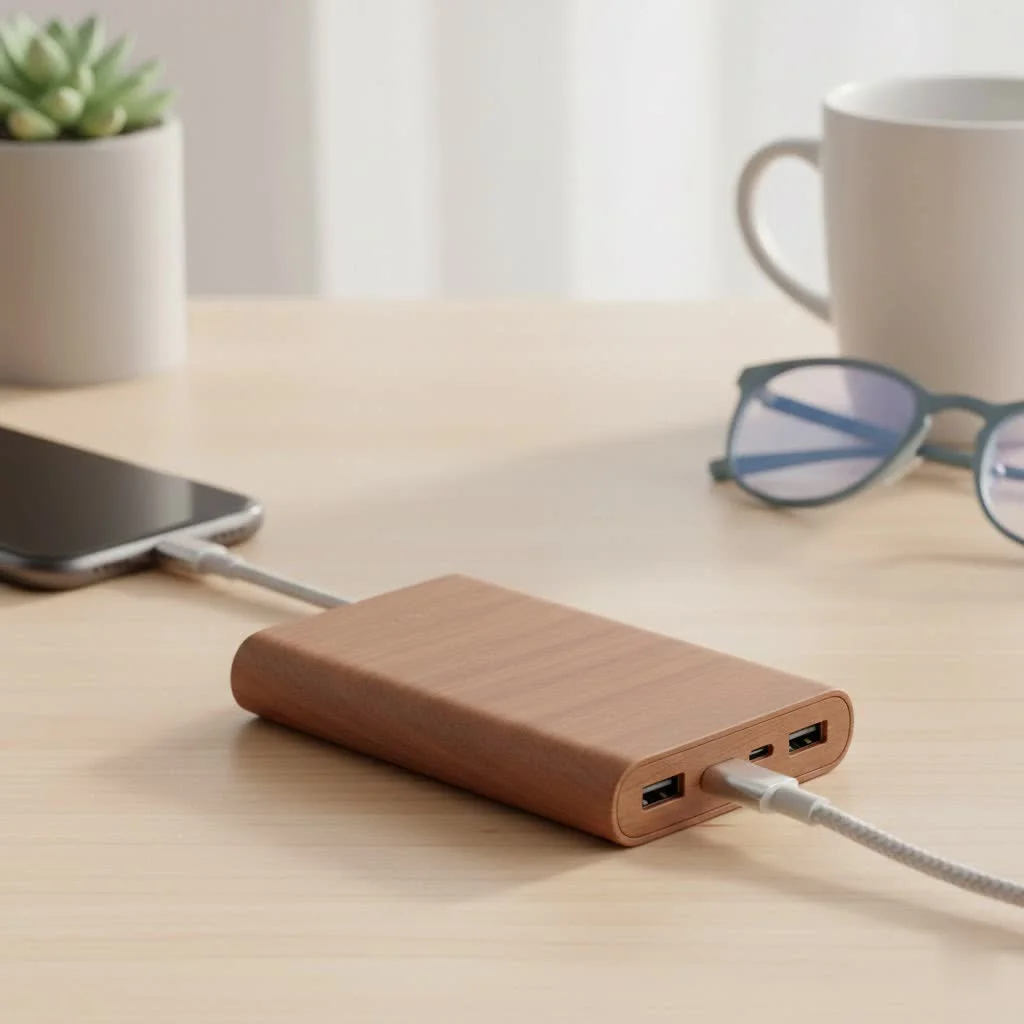
But choosing the right power bank can feel like navigating a minefield of technical jargon. What does mAh really mean? Is fast charging actually worth it? As the lead content creator at pvhao.com, I’ve spent over a decade testing, deconstructing, and writing about these portable lifesavers. This guide will demystify the specs and give you the confidence to select the perfect power bank to keep you powered up, no matter where life takes you. For expert portable power reviews on this site.
What Exactly Is a Power Bank?
At its core, a power bank is a portable, rechargeable battery designed to provide power to your electronic devices when you’re away from a wall outlet. Think of it as a personal, pocket-sized power station. Inside its casing, there are two main components:
- Battery Cells: These are typically Lithium-ion (Li-ion) or Lithium-polymer (Li-Po) cells that store the electrical energy.
- Circuitry: A small circuit board manages the flow of power, handling everything from charging the internal cells to discharging power to your devices safely. It also includes the ports you plug your cables into.
When you charge a power bank, you’re filling up its energy reservoir. When you use it to charge your phone, you’re transferring that stored energy.
How to Choose the Perfect Power Bank for You
Not all power banks are created equal. The best one for a student who spends all day on campus is different from the one for a globetrotting photographer. Let’s break down the key factors to consider.
Capacity (mAh): How Much Power Do You Need?
Capacity is the single most important specification of a power bank, measured in milliamp-hours (mAh). Think of mAh as the size of the fuel tank—the bigger the number, the more charging power it holds.
- 5,000 – 10,000mAh (The Daily Driver): This is the sweet spot for everyday use. A 10,000mAh power bank is typically compact enough to slip into a pocket or purse and can charge a modern smartphone (like an iPhone or Samsung Galaxy) about two times. It’s perfect for long days of classes, commuting, or a day out with friends.
- 10,000 – 20,000mAh (The Weekend Warrior): If you’re a frequent traveler, a heavy user who needs to charge multiple gadgets, or someone planning a weekend trip, this range is your workhorse. A 20,000mAh unit has enough juice to keep your phone, headphones, and maybe even a tablet alive for a couple of days.
- 20,000mAh+ (The Power User): This category is for those who need serious power. These high-capacity power banks can charge a phone multiple times over, power a tablet for days, or even charge some USB-C laptops. They are heavier and bulkier, making them ideal for long trips, camping, or as a backup during a power outage.
Charging Speed (Watts & Amps): The Need for Speed
|
Our Picks for the Best Power Bank in 2026
As an Amazon Associate I earn from qualifying purchases.
|
||
| Num | Product | Action |
|---|---|---|
| 1 | Anker Laptop Power Bank, 25,000mAh Portable Charger with Triple 100W USB-C Ports, Built-in Retractable Cables, Flight-Approved for Travel, iPhone 17/16 Series, MacBook, Samsung, and More |

|
| 2 | INIU Portable Charger, Slimmest Fast Charging 10000mAh USB C in/Out Power Bank, 22.5W PD3.0 QC4+ Battery Pack, Portable Phone Charger for iPhone 16 15 14 13 12 Pro Samsung S22 S21 Google AirPods iPad |
|
| 3 | INIU Portable Charger, Smallest 22.5W 10000mAh Power Bank, USB C in/Output Fast Charging 3-Output Mini Battery Pack Charger with Phone Holder for iPhone 17 16 15 14 Air Samsung S23 Google iPad Tablet |
|
| 4 | UGREEN Nexode Power Bank 20000mAh 165W with Built-in USB C Cable Laptop Travel Portable Charger, 100W Input, Fast Charging for MacBook Pro/Air/iPhone 17/16/iPad Pro/Galaxy S25 Ultra/Dell/HP and More |
|
| 5 | 90000mAh High Capacity Power Bank, 30W Fast Charging Portable Charger PD&QC 3.0, 5 Output 2 Input Large Powerbank with LED Display USB C Battery Pack Charger Portable for Outdoor Camping Travel |
|
| 6 | UGREEN Power Bank 25,000mAh 145W Laptop Portable Charger, Nexode 3-Port USB C PD Battery Pack, for MacBook Pro/Air, Dell XPS, iPhone 17/16/15/14, Galaxy S24, Steam Deck, iPad, and More |
|
| 7 | Anker Laptop Power Bank, 25,000mAh Portable Charger with Triple 100W USB-C Ports, Built-in Retractable Cables, Flight-Approved for Travel, iPhone 17/16 Series, MacBook, Samsung, and More |
|
| 8 | Emergency Radio&22000mAh Solar Power Bank, FM NOAA Weather Radio, Portable Hand Crank Bluetooth Radio, 20W Fast Charge Wireless Phone Charger, SOS Flashlight for Emergency/Home |
|
| 9 | Energizer Power Bank 20000mAh - USB-C 20W Outputs Fast Charging Battery Pack, USB-A 18W with 4 Outputs & LCD Screen for Android/iPhone 15 16 Plus Pro Max/iPad Tablet and etc_UE20063PQ |
|
| 10 | INIU Power Bank, 25000mAh 100W USB C Laptop Portable Charger, PD QC Fast Charging 3-Output Battery Pack, Travel Charger for Laptop MacBook iPad Tablet Steam Deck iPhone 17 16 15 14 Pro Samsung S25 etc |
|
If capacity is the size of the fuel tank, output is the speed of the pump. Charging speed is measured in watts (W) and is crucial if you hate waiting around.
“A common mistake I see is people buying a high-capacity power bank but ignoring its output wattage,” notes Alex Tran, lead engineer at Pvhao. “They end up with a huge 20,000mAh brick that charges their modern phone at a snail’s pace. For today’s devices, 18W is the new baseline for ‘fast’ charging.”
Look for these fast-charging technologies:
- Power Delivery (PD): This is the universal standard for fast charging over USB-C. It’s used by Apple iPhones, Google Pixels, and many modern laptops. A power bank with PD can charge a compatible iPhone from 0% to 50% in about 30 minutes.
- Quick Charge (QC): Developed by Qualcomm, this is a common fast-charging standard for many Android devices.
If you plan to charge a laptop, you absolutely need a high-wattage power bank. Check your laptop’s original charger—it will state the wattage it requires (e.g., 45W, 65W). Your power bank must match or exceed this to be effective.
Ports: Input and Output Matter
The ports on a power bank determine what you can charge and how you charge the power bank itself.
- USB-A: The traditional, rectangular USB port. It’s still widely used but generally offers slower charging speeds.
- USB-C: The modern, oval-shaped, reversible port. This is the most versatile type. On a good power bank, a USB-C port can be used for both input (charging the power bank) and high-speed output (charging your devices via Power Delivery).
- Wireless Charging (Qi): Some power banks have a built-in wireless charging pad. This is incredibly convenient for Qi-compatible phones, as it allows you to charge without any cables at all.
Understanding Key Safety Features
A power bank is more than just a battery; it’s a sophisticated electronic device. You should never compromise on safety. Reputable brands build in multiple layers of protection to keep both the power bank and your devices safe. Look for mentions of:
- Overcharge Protection: Prevents the power bank from being damaged by charging for too long.
- Short Circuit Protection: Instantly cuts the power if a short circuit is detected, preventing fires.
- Over-current and Over-voltage Protection: Regulates the power flow to ensure your device receives a steady, safe current.
- Temperature Control: Monitors the battery’s temperature and shuts down if it gets too hot.
Pro Tips for Maintaining Your Power Bank
To get the most out of your power bank and extend its lifespan, follow these simple tips:
- Avoid Extreme Temperatures: Don’t leave your power bank in a hot car or in freezing conditions, as this can permanently damage the battery cells.
- Charge It Periodically: Don’t leave your power bank completely dead for months. If you’re storing it, aim to keep it at around a 50% charge and top it up every 3-4 months.
- Use Quality Cables: A cheap, frayed cable can not only charge slowly but can also be a safety hazard. Use the cable that came with your device or one from a reputable brand.
Frequently Asked Questions (FAQ)
Can I take a power bank on a plane?
Yes, you can, but there are strict rules. Power banks must be in your carry-on luggage, not your checked bag. Most airlines limit the capacity to 100Wh (watt-hours), which is roughly equivalent to 27,000mAh. Always check with your specific airline before flying.
How long does a power bank last?
The lifespan of a power bank is measured in charge cycles. Most quality power banks are rated for 300 to 500 full cycles of charging and discharging. With regular use, a good power bank should last you several years.
Can a power bank damage my phone?
A power bank from a reputable brand with built-in safety features will not damage your phone. The internal circuitry is designed to deliver the optimal amount of power your device can safely handle. Damage typically occurs from using cheap, uncertified power banks that lack these safety protections.
How do I charge a power bank?
You charge a power bank by connecting it to a power source, like a wall adapter or a computer’s USB port, using its input port (usually USB-C or Micro-USB). The charging time depends on its capacity and the wattage of your charger.
Why is my power bank charging my phone so slowly?
This could be due to several reasons. Your power bank might have a low wattage output (e.g., 5W), your phone may not support fast charging, you might be using a low-quality cable, or you could be using a USB-A port instead of a faster USB-C PD port.
Conclusion: Powering Your Life’s Adventures
A power bank is more than just a backup battery; it’s a tool that provides freedom and peace of mind. By understanding the key factors—capacity (mAh), charging speed (W), ports, and safety features—you can move beyond the confusing numbers and choose a device that truly fits your lifestyle. Whether you need a slim companion for your daily commute or a high-capacity workhorse for your travels, the right power bank is out there, ready to ensure you never have to see that dreaded 1% again.
Get our weekly buyer guide
Practical specs, not advice. Unsubscribe anytime.

This guide was exactly what I needed! I travel a lot for work and having a dead phone when I’m trying to navigate a new city is the worst. I finally understand the difference between all the specs and feel confident in my new purchase. My new power bank keeps my phone and earbuds juiced up for days.
The info on different port types was helpful, but I wish there was more detail on specific brands. I picked up a budget power bank mentioned for its portability, and while it’s light, it doesn’t hold a charge as long as I’d hoped. It’s fine for a quick top-off, but not for multiple recharges.
I used to get so stressed when my phone hit 1% while I was out and about. This guide really helped me understand what mAh means and why it matters. I ended up getting a 20,000 mAh power bank, and it’s been a game-changer for keeping my devices charged all day. No more battery anxiety!
I’ve always been a bit confused by all the fast charging claims, but the explanation here made it super clear. I invested in a power bank with PD (Power Delivery) and it charges my tablet so much quicker than my old one. It’s definitely worth the extra cost for the convenience.